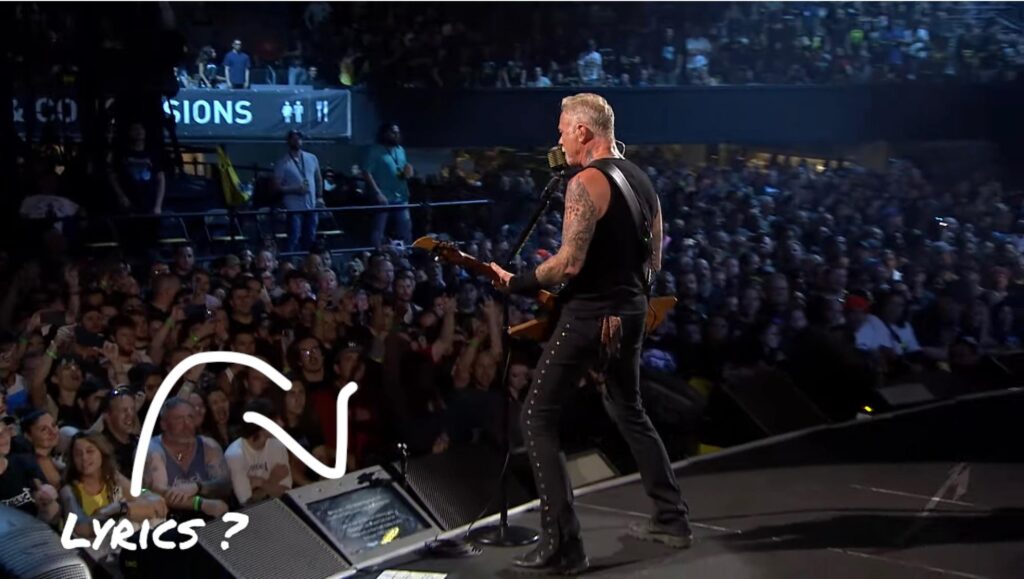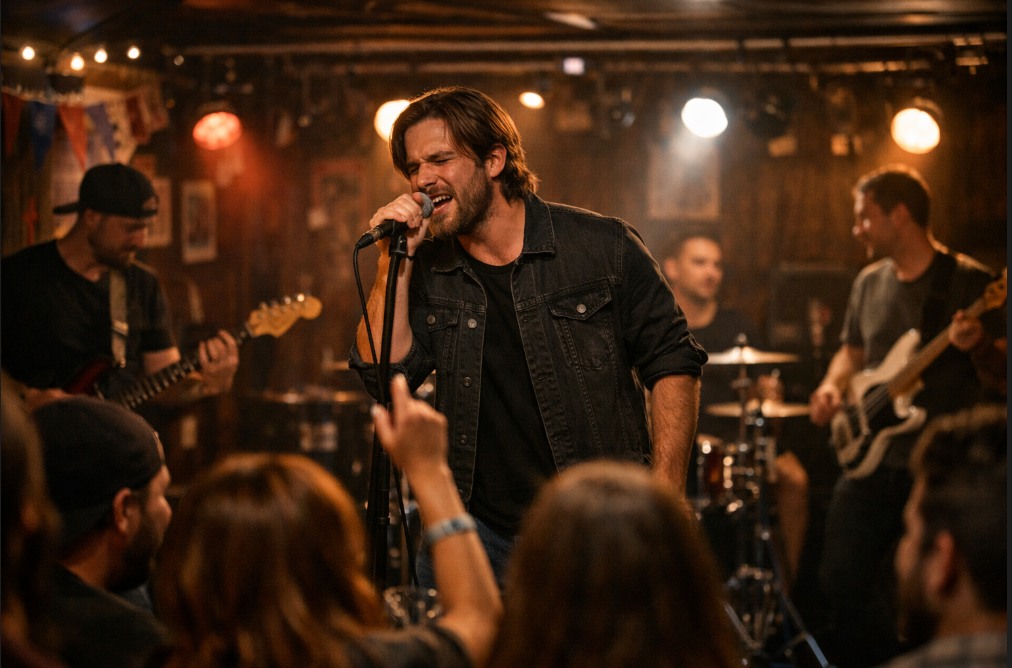
You already tried placing your iPad or iPhone on a mic stand.
You clipped it in with a cheap holder, dimmed the brightness so it wouldn’t blind the drummer, and figured that was the setup solved. Then the stage lights hit the glass and turned your lyrics into a mirror. The screen dimmed itself to save battery halfway through set two. By the last song it was sitting at 45% and you were squinting at eight-point text from four feet away, silently promising yourself you’d figure out a better system before the next gig.
That promise is why you’re here. Musicians have two real ways to get lyrics, chords, and set order in front of their eyes without memorizing everything or gluing paper to a mic stand: an iPad in a stand mount, or a dedicated stage prompter built for exactly this job. Each one solves the problem in a different way, and each one asks something different of you in return. Here’s what each actually does on a real stage, for a real band.
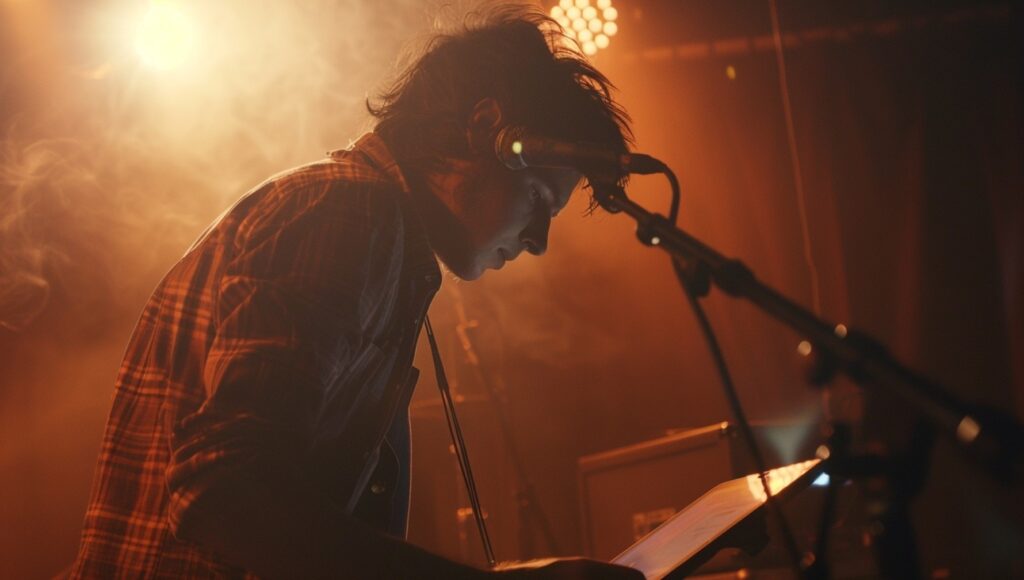
That iPad failure moment of battery dying or app not cooperating – two minutes before you start.
The three real options and what each actually costs
Most of us start with paper on a music stand, and most of us abandon it for the same reasons. Pages fall off the ledge the second a fan kicks on or someone bumps the stand. Flipping a page mid-song means taking a hand off your guitar or breaking eye contact with the room at exactly the wrong moment, and if you’ve reordered your setlist that afternoon, you’re now shuffling loose sheets in the dark between songs. A music stand doesn’t glare, doesn’t need power, and costs nothing you don’t already own – but it fails in its own way, just as reliably as a dead iPad screen.
This comparison covers the three ways musicians actually handle it on stage today: paper on a stand, an iPad, or a dedicated stage prompter.
Before comparing features, it helps to see the actual price of ownership, not just the sticker price.
An iPad setup runs you the cost of the iPad itself (call it $350 to $600 for something usable), a stand mount or gooseneck clamp ($20 to $60), and usually a prompter or lyrics app, which ranges from free with ads to $10 to $15 a month for band-sync features. Total first-year cost: roughly $400 to $700, plus whatever subscription you keep paying.
A dedicated stage prompter is the higher up-front cost of the two, typically $800+ for the hardware and software. There’s no “well, I already own one” version of this option. But it’s also the one built by people who assumed it would live in a gig bag, get dropped by roadies, and plug in and just work for a full night of sets without you thinking about it again.
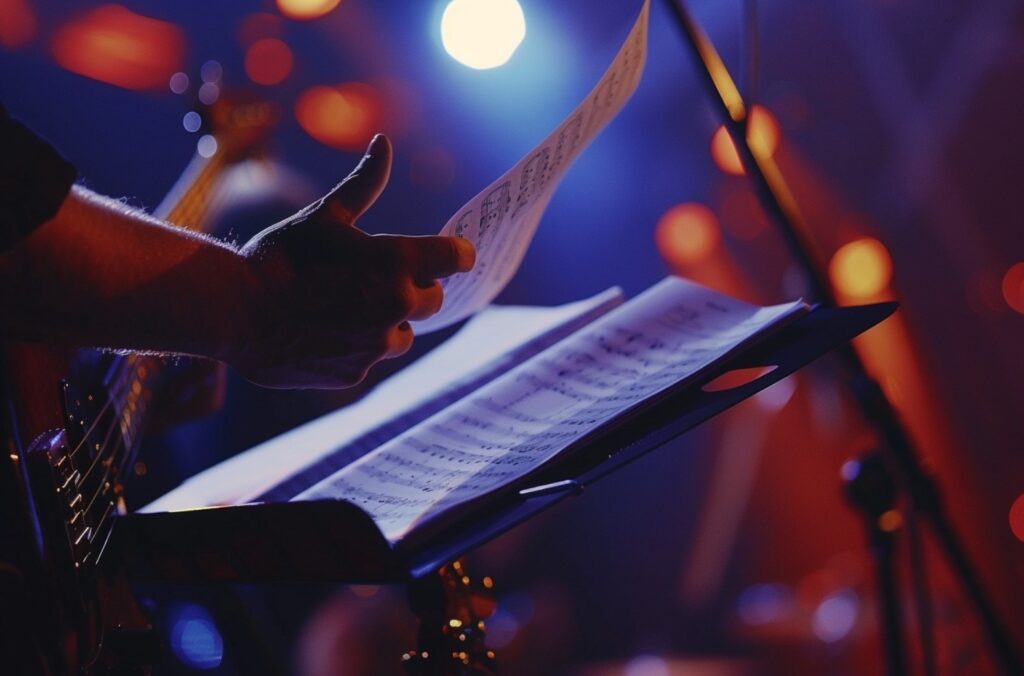
Music stand chaos: page-flipping distraction, or worse yet, pages falling to the ground.
The iPad on a mic stand - what works and where it fails
The iPad’s appeal is obvious: you already own one, the screen looks great in a living room, and a dozen lyrics apps exist. For rehearsal, or a quiet coffeehouse set, it can genuinely be enough.
On stage, three things break the illusion. First, glare. iPad glass is reflective, and stage lighting is aimed directly at performer eye level – the exact angle that turns your screen into a mirror showing the lighting rig instead of your lyrics. Second, sleep and power management. iOS is built to protect battery life, which means auto-dimming, auto-lock, and background app refresh all conspire against a screen that needs to stay on, bright, and awake for a two-hour set – and no matter how careful you are, a battery that started the day at 100% can still leave you at 45% by your last song. A screen that locks itself between songs while you’re mid-transition is worse than no screen at all. Third, size and distance. An iPad’s 10 to 11 inch screen is sized for reading at arm’s length, not from four feet away under stage lights, which forces small font sizes that are unreadable at a glance – the one thing a prompter needs to be.
There’s also the mounting problem. Most iPad stand clamps were designed for tablets in kitchens and cars, not for the vibration of a stage or the width of a mic stand, so they work loose over a long set and need constant readjustment.
To be fair to the iPad, it does have one real advantage: it’s genuinely bright, and that brightness holds up outdoors in a way a dedicated prompter isn’t built for. More on that below.
The stage prompter for musicians - what you gain for the extra outlay
A dedicated stage prompter is built around one job: staying readable, staying put, and staying out of the way for an entire set. That focus shows up in a few specific ways. The screen has a matte finish, so stage lighting doesn’t bounce straight back into your eyes the way it does off tablet glass – this isn’t about being brighter than an iPad, it’s about not turning into a mirror. Mounting hardware is built for a stage rig from the start, so it clamps to a standard mic stand and holds through a full set of movement without drifting.
There’s no battery to manage, because there isn’t one. It’s plug-in powered, which means there’s no percentage ticking toward zero mid-set, no aggressive dimming to save charge, and nothing to remember to charge the night before a gig – once it’s plugged in, it’s on for as long as you need it. The tradeoff is the obvious one: you need an outlet within reach of your spot on stage, which is worth confirming before a gig at a venue you haven’t played.
The other advantage is one you feel more than you measure: it doesn’t sit between you and the room.
An iPad propped up at chest or face height puts a glowing rectangle right in the audience’s sightline to you, and it’s an unmistakable visual cue that you’re reading off a device. A slim, low-profile prompter keeps that sightline open – you glance down and slightly forward instead of staring into a screen held up in front of your face. On stage and on camera, that’s the difference between looking like you’re performing and looking like you’re checking your phone.
Some stage prompters (like BLACK BOX Prompter) are designed so every band member can see the same lyrics and chord charts from their own screen, keyed to the same tempo, so nobody’s guessing whether the singer is on verse two or the bridge. That’s a much harder thing to bolt onto a consumer tablet app after the fact.
Want to see how BLACK BOX Prompter works before deciding anything?
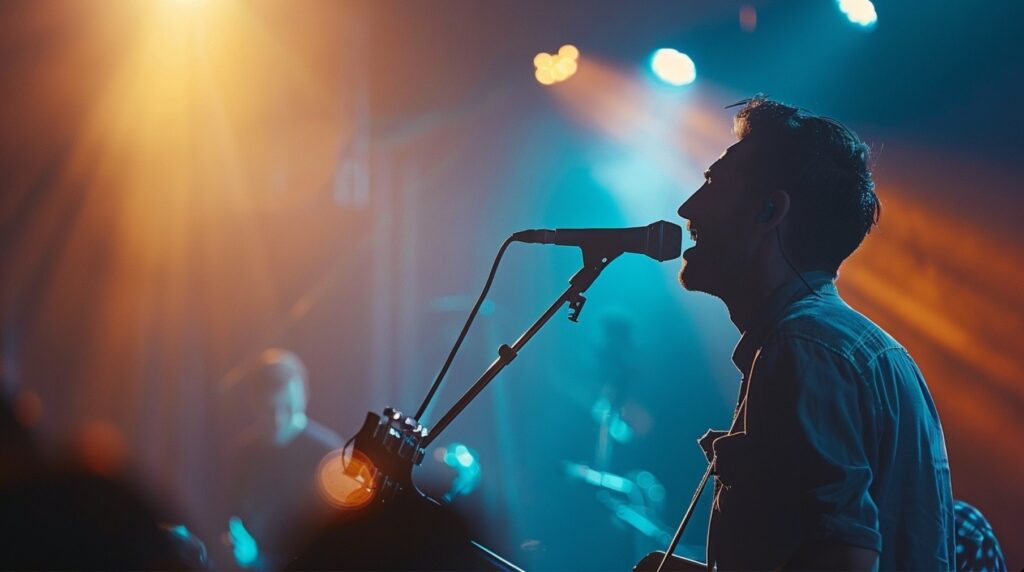
The peace of mind performing with a prompter – no worries of battery dying or software failing.
The professional look - why it matters as much as the spec sheet
Here’s the part that’s easy to miss when you’re comparing spec sheets: what your gear looks like from the audience matters almost as much as what it does for you. A performer glancing down at a slim, unobtrusive prompter reads as someone who has their material handled.
A performer visibly staring into an iPad propped up like it’s mid-FaceTime call reads as someone checking a device – and audiences, and cameras, pick up on that distinction fast, especially on IMAG screens or a livestream where every glance at a glowing tablet gets magnified.
This isn’t a brightness contest, and it’s worth being upfront about that: an iPad is genuinely brighter than a dedicated stage prompter, and in direct outdoor sun, that brightness can win.
What a stage prompter is built for instead is the far more common gig – a club, a theater, a worship platform, a rehearsal space – where the lighting is controlled and the thing that actually matters is whether you look locked in or look distracted. A low-profile unit that doesn’t block the room’s view of you, paired with a screen that won’t mirror the stage lights back at you, does more for how you come across than a few hundred extra nits of brightness ever will.
Which one is right for your kind of gig
If you’re a hobbyist playing occasional low-light indoor sets, an iPad with a sturdy mount and a good prompter app is genuinely fine, especially if you already own the tablet and can live with occasionally adjusting brightness.
If most of your gigs are outdoors in direct sun, at a park stage or a festival slot where a nearby outlet isn’t guaranteed, an iPad’s brightness and battery independence still give it a real edge in that specific scenario.
If you’re a touring pro, a full band, or a worship team playing mostly indoor or controlled-lighting rooms – where a power outlet is almost always available and several people need to read the same lyrics and chords in sync – a stage prompter earns its cost back the first time it saves you from an on-stage scramble, and keeps you looking like you’re performing instead of reading.
If you’re still unsure which category fits your band, Book a 15-minute live walkthrough