Last Updated: October 4, 2026
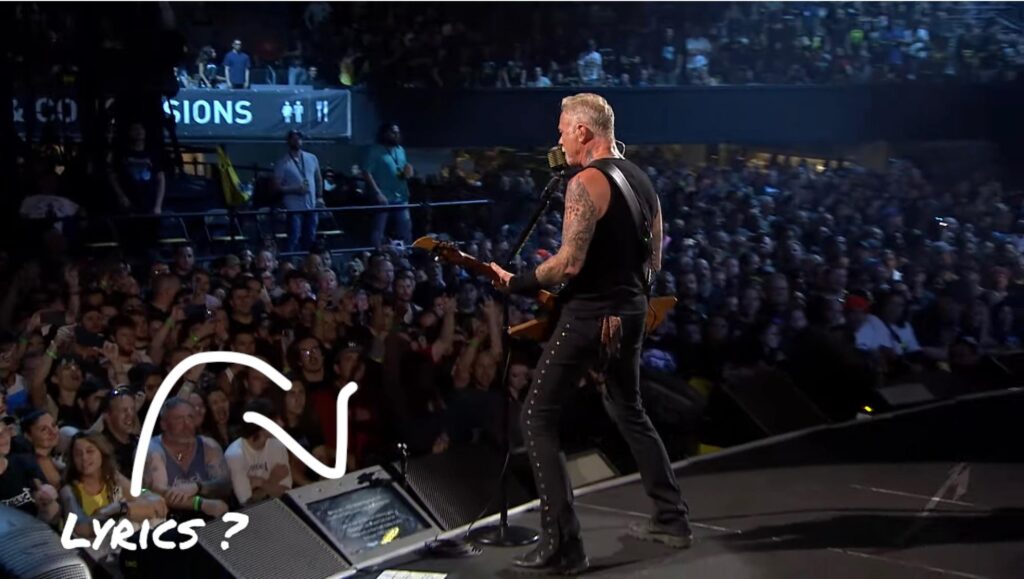
When you’re on stage, every second counts. Your eyes should be on your audience, not glued to a tablet or music stand.
This is where the choice of lyrics prompter vs iPad becomes critical. Both display lyrics and chords, but they create fundamentally different experiences for you and your audience. The difference isn’t just about convenience, it’s about presence, confidence, and the impression you leave on your audience.
An iPad gives you flexibility and affordability, but signals to your audience that you’re reading. A dedicated lyrics prompter keeps your lyrics hidden, your eyes free, and your stage presence intact.
Understanding the Core Differences: Lyrics Prompter vs iPad
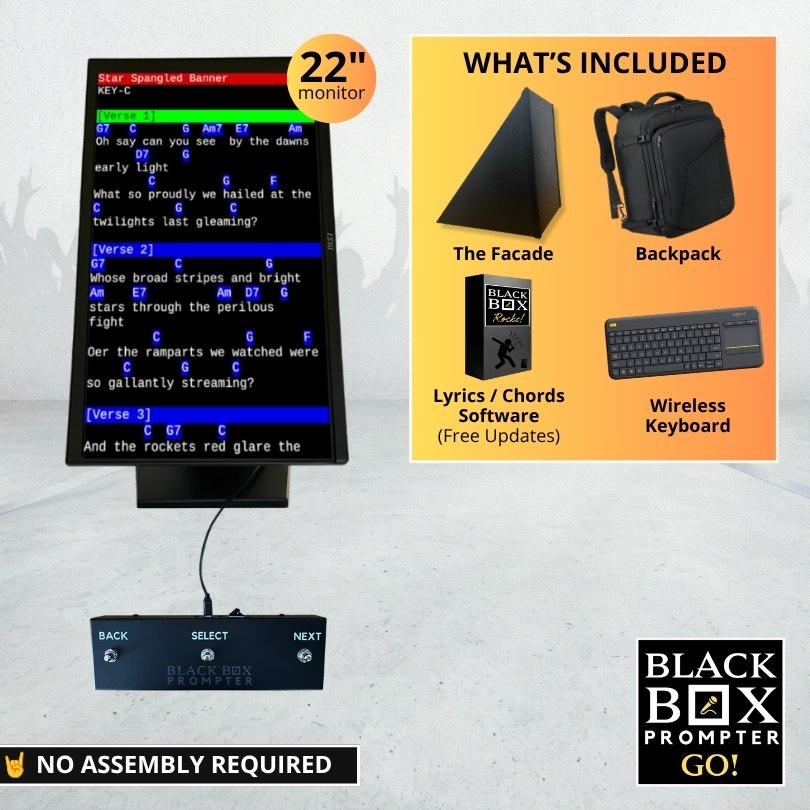
A lyrics prompter such as BLACK BOX Prompter is a dedicated display system with a monitor angled toward you, hidden from the audience. You control scrolling with a foot pedal, keeping your hands free. The system comes with lyrics and chords software pre-installed allowing you to you transfer your own song files (lyrics and chord charts) on to the prompter.
With an iPad, you run a compatible lyrics app, prop it on a stand, and control scrolling manually with your finger or with a Bluetooth pedal. Your audience can see the screen directly in front of your face, obstructing their view of you while you perform.
Screen Visibility and Stage Presence
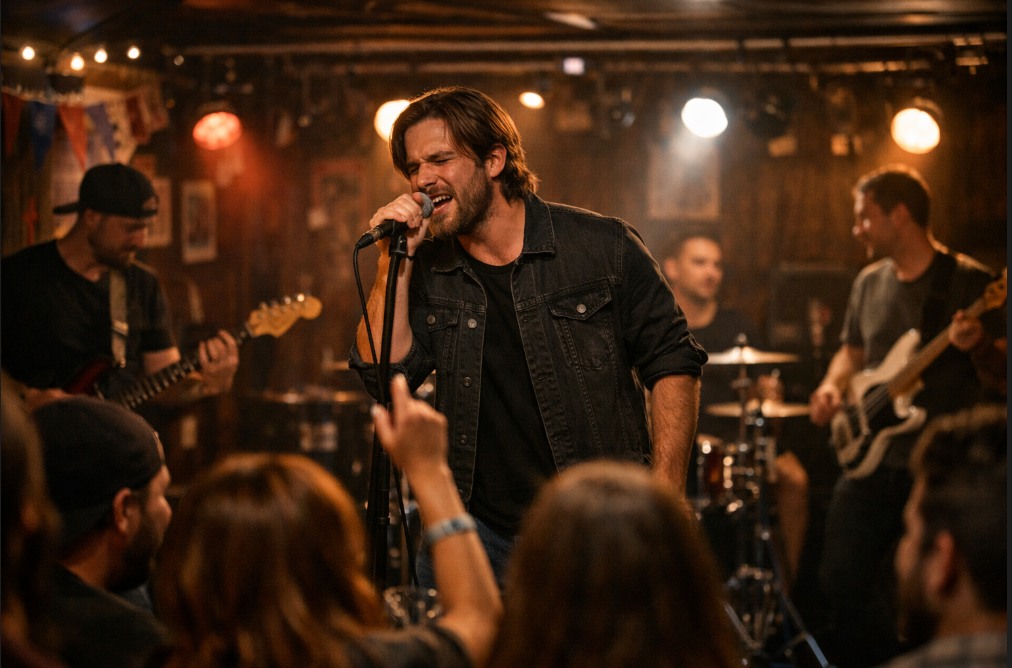
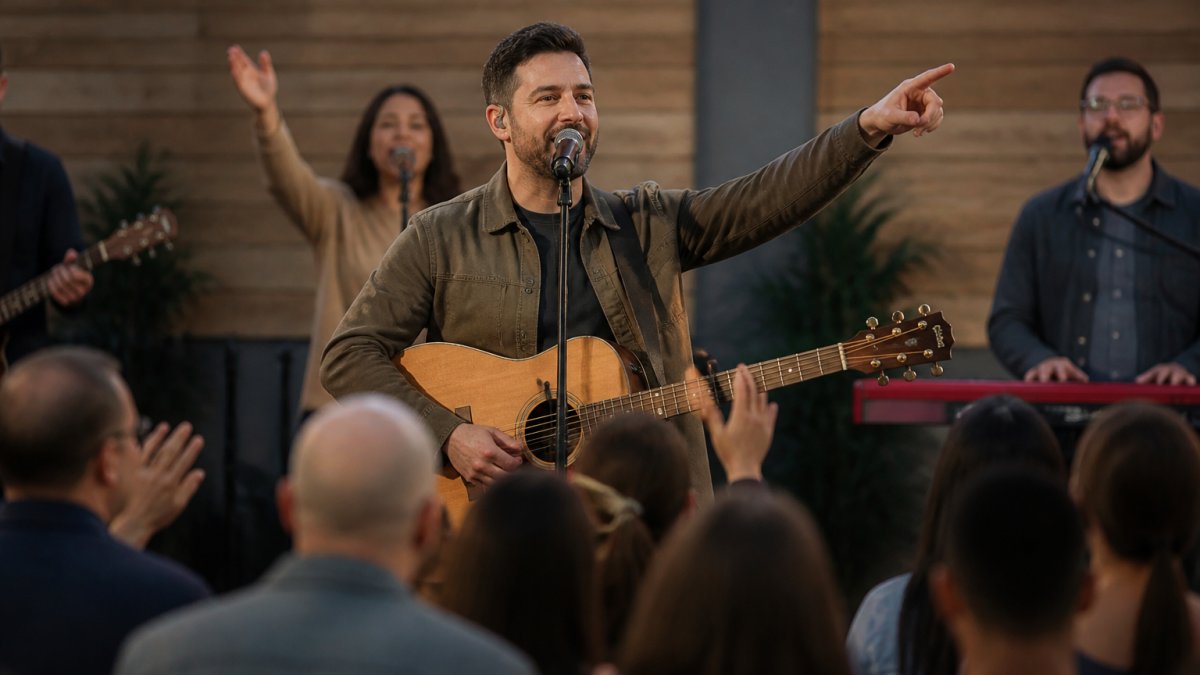
Your audience will notice your iPad on stage. Even positioned to the side, it’s visible and signals you’re reading. For original artists, cover bands, and worship leaders, this undermines the emotional connection you’re trying to build.
A dedicated lyrics prompter rests on the floor at an angle that can easily be seen by the performer while staying hidden from the audience. You look like you’re performing from memory. Your eye contact improves naturally and your posture stays open and engaged.
Audience members report feeling more connected to performers who maintain eye contact and confident stage presence. When people see you reading, it signals uncertainty. When they see confident delivery, it signals mastery.
This matters most in intimate settings like church services and smaller venues where the audience is close. In larger venues with stage lighting and distance, an iPad becomes less visible.
Hands-Free Control and Reliability
An iPad requires you to control scrolling manually or with a Bluetooth foot pedal. Bluetooth connections can drop and batteries die mid-performance, adding one more thing that can fail.
A lyrics prompter with a foot pedal uses a wired USB connection. No Bluetooth, no battery issues. The reliability is mechanical and simple.
An iPad requires you to open an app and navigate to your setlist. Last-minute song changes mean tapping through menus on stage. The BLACK BOX Prompter is a self-contained solution allowing to you to create or edit set lists directly on the Prompter, without involving another computer or device.
If you travel frequently between venues, prioritize portability. If you perform at the same location weekly, a more permanent setup can save time on load-in and reduce pre-performance stress.
Best Teleprompter for Live Music: Key Features to Evaluate
Font legibility is non-negotiable. Look for devices offering multiple font sizes, including jumbo options for anyone struggling with vision impairment. The BLACK BOX Prompter has 12 font sizes to choose from to be able to clearly see the words on the screen from a distance even with bad eyesight.
Scrolling control should be smooth and intuitive. Jerky scrolling or lag is distracting. Features like Auto-Scroll on the BLACK BOX Prompter allows you to smoothly scroll your lyrics at the perfect pace, so you’re never rushing or falling behind.
Setlist management matters if you perform different songs regularly. On-device editing saves your performance for last-minute changes.
Chord display options are important if you play guitar, bass, or keys. Look for systems that hide chords when not needed and allow transposing without re-entering. BLACK BOX Prompter allows you to quickly transpose all of your chords in seconds if a last minute key change is thrown your way.
Wireless sync is valuable if you perform with band members who could also take advantage of another prompter. Multiple musicians can stay in sync (on the same page) when the band leader turns the page for them.
Backing track integration matters for solo artists. Your prompter should display lyrics while audio plays without latency issues. Not all iPad lyrics apps support backing tracks.
Font Legibility and Readability in Stage Lighting
Stage lighting is designed to highlight you, not your prompter. You need to see lyrics clearly under lights not designed with your prompter in mind.
Look for high-contrast displays and adjustable brightness. A larger display is easier to read from a distance than a tablet.
An iPad’s smaller screen and reflective surface can glare under stage lights, washing out text. In dimly lit venues, the backlight might distract your audience.
A dedicated prompter with a larger display handles stage lighting better and lets you adapt to different venues without fumbling during performance.
Small fonts can be hard to see during your performance which forces you to squint and lean closer to the display. This breaks your stage presence and increases anxiety. Test your setup in the actual venue’s lighting before the performance, not just in your rehearsal space.
Integration with Backing Tracks and Setlist Management
Some musicians, especially solo artists, like to perform to backing tracks. Your lyrics prompter needs to work seamlessly with this setup or you’ll face timing problems.
When lyrics and backing track aren’t synced, you drift and rush to catch up, making the performance feel disjointed.
24″ Wedge Teleprompter for Musicians (Includes Pedal) →
The BLACK BOX Prompter was designed for live music and easily integrates with backing tracks in .mp3 format. See How to Play Backing Tracks While Viewing Lyrics to learn more.
There are iPad apps that can also do this, however, any latency throws off timing. For solo artists relying on backing tracks, a dedicated system is more reliable.
Before performance, you need to arrange songs in order, transpose to different keys, and add notes about transitions.
A dedicated prompter with an included keyboard lets you do this directly on the device. An iPad requires managing everything through an app on a small screen.